---
layout: post
title: YouTube+RSS+IFTT+Pocket == Videos for you to watch
date: 2013-07-06
tags: ["Geek","General","ifttt","pocket","youtube"]
---
At the gym this morning, I was talking with [Terry](http://terrypbrock.com "Terry Brock") and we were discussing our mutual love for [IFTTT](https://ifttt.com "IFTTT"), a great tool for automating actions on the internet. Specifically we were talking about ways to get videos we are interested in watching into our [Pocket](http://getpocket.com "Pocket") feeds. I am a big fan of Wil Wheaton's [TableTop](http://tabletop.geekandsundry.com "TableTop") web series (and you should be too). But, rather than having to check YouTube for new episodes or get some sort of email notifications, I just wanted new episodes to be inserted into my Pocket feed whenever they came out so I could see them on my computer, iPad, or iPhone.
The first step is rather cumbersome, but everything after that is easy. I am going to assume that you already have a Pocket and IFTTT accounts and you have linked your Pocket account to IFTTT.
### Step 1: Make the RSS link for the playlist you want.
Go to the Youtube playlist you want, like the TableTop one.
http://www.youtube.com/playlist?list=PL**4F80C7D2DC8D9B6C**
Now, take the part I have highlighted above (the playlist ID, 4F80C7D2DC8D9B6C) and insert it into this URL:
http://gdata.youtube.com/feeds/api/playlists/**4F80C7D2DC8D9B6C**
(I do not get credit for this, I found it on Elliott Bledsoe's website: [How to - Subscribe to a YouTube playlist using RSS](http://elliottbledsoe.com/brain-drain/how-to/rss-subscribe-to-youtube-playlist/))
### Step 2: Create a new rule in IFTTT
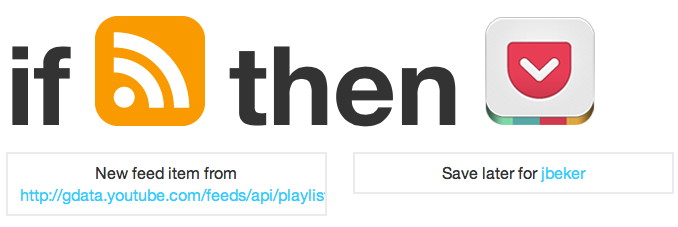
Create a new rule in IFTTT using the RSS channel with the URL you created in Step 1. The Action will be to add a new item to Pocket with the URL of "EntryURL." You can see my TableTop rule here: [Save new TableTop episodes to Pocket](https://ifttt.com/recipes/102857)
That's it!